
 By VividVerve
 Penny identifier apps solve one simple problem first. They tell you what coin is in the photo. That part is useful. It is not the part that usually decides whether the app stays on your phone.
For penny collectors, the harder work starts after the match. A cent may already be identified, but the user still needs to check the type, compare dates, read the mintmark, save the coin, sort duplicates, and decide whether the piece deserves a closer look. Some apps help with that next step. Some stop too early.
This is why the comparison matters. A good penny scanner is not only about speed. It is about what the app gives you once the first result appears.
Pennies are easy to underestimate. They are common, small, and familiar. At the same time, Lincoln cents cover a long period, several reverse designs, and many dates that casual users mix up all the time. A phone scan helps reduce that first layer of confusion.
Most users open an identifier for practical reasons:
- Checking a date quickly
- Confirming a mintmark
- Separating Wheat, Memorial, and Shield cents
- Sorting a jar, roll, or small lot
- Saving coins for later review
- Getting a rough value context
That is the real use case. The app becomes part of routine sorting, not just a one-time trick.
Most of them follow the same path. You take a photo or upload one from the gallery. The app reads visible markers on the coin. Then it compares the image with coins in its database and returns one result or a short group of likely matches.
A penny scan usually focuses on these elements:
- Date
- Mintmark
- Obverse portrait
- Reverse design
- Lettering layout
- General type
That works well when the cent is clear, and the light is even. It gets harder when the piece is dark, worn, spotted, or weakly struck.
Even the better apps need a decent photo. A bad image causes weak matches. That matters with copper cents because the surface tones fast and glare can hide small details.
Basic scan habits still help:
- Use soft light
- Keep the coin centered
- Avoid hard shadows
- Show the date clearly
- Photograph both sides when possible
These steps sound simple. They improve results more than many users expect.
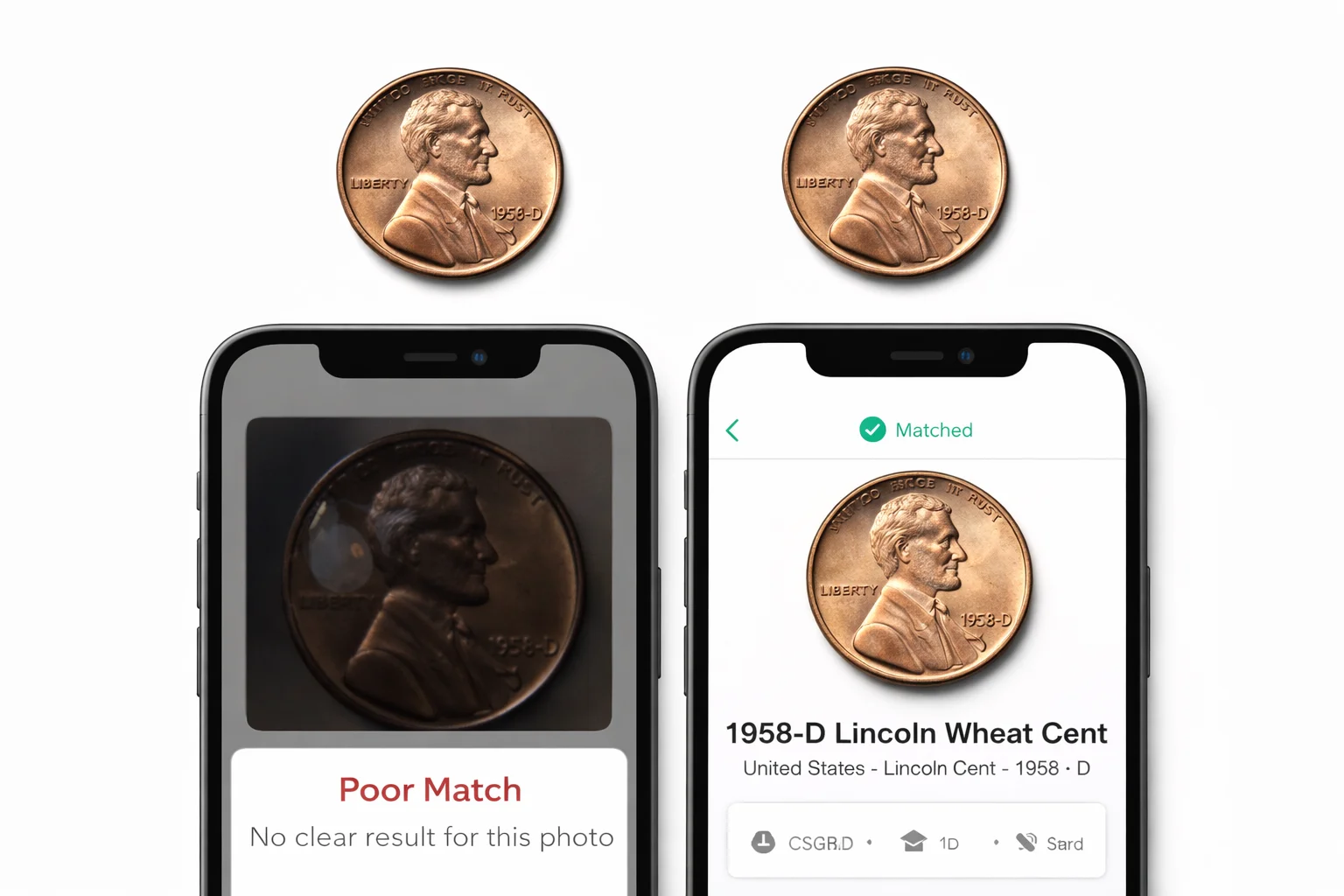
The first result is only the start. The stronger app keeps the user moving forward.
For penny work, the useful result screen should do more than name the coin. It should give enough detail to classify the piece properly and enough tools to keep working with it. That usually means:
- Years of issue
- Country
- Coin type
- Composition
- Diameter
- Weight
- Edge details
- Price range or value context
- Saved scans or collection tools
This is the difference between a quick scanner and a real working reference. A collector sorting ten or twenty cents does not want to repeat the same search from zero every time. The app should help build order.
These four tools overlap, but they do not solve the same task in the same way. That is why one app may feel stronger for daily penny sorting, while another works better as a research companion.
Coin ID Scanner is the most balanced option in this group when the scan is only step one. It identifies coins from a photo, opens a detailed coin card, and gives the user enough structured data to keep working. The app covers more than 187,000 coins, supports Android and iOS, includes collection tools, and offers smart filters for manual sorting. Its public materials also list 98% recognition accuracy.
That structure matters for pennies. A cent is often easy to name in a general sense. The more useful question is what happens next. Here, the app has a clear strength. The card gives the user years of minting, country, type, composition, diameter, weight, edge, and price context in one place. That saves time when sorting mixed cents or checking similar issues side by side.
It also fits repeat use better than many quick scanners. If a collector is working through jars, rolls, inherited groups, or small duplicates, the collection tools and filters help keep the work organized instead of turning every coin into a separate one-off lookup. That makes the app practical, not just convenient.
Pros
- Detailed coin cards
- Strong follow-up data
- Useful filters
- Good collection tools
- Broad world coverage
Cons
- Require internet connection
- Best results still depend on clean photos
CoinSnap is built for speed and broad appeal. It identifies coins from a photo, gives value-oriented information, and supports collection tracking. The app advertises extensive coverage, price estimates, rarity levels, grading-style reports, and collection folders. It is easy to see why many beginners start here.
For penny collectors, CoinSnap works best when the coin is clean, the image is sharp, and the goal is a fast answer. The workflow is quick. The result screen is easy to read. That makes it useful for common cents, simple checks, and casual finding sessions. A user can scan the coin, see the basic type, check a value estimate, and move on.
The limit appears later. CoinSnap gives solid basic coverage, but the after-scan workflow feels lighter when the task becomes more technical. Penny sorting often needs more than a quick label, a value range, and a broad description. When the user wants a deeper structure for classification, the app feels less complete than the strongest option in this group.
Pros
- Fast recognition
- Easy interface
- Good for common coins
- Useful value context
Cons
- Less structured for deeper sorting
- Better on clear coins than difficult, worn pieces
- Quick results matter more here than long follow-up work
Coinoscope fills a different role. It is strong as a visual matcher. You take a picture, and the app shows similar coins from its image database. It also offers a free entry point, which explains why many people try it early. The service presents itself as a free coin identifier and value checker with visual comparison at the center of the workflow.
This makes Coinoscope practical for one narrow task: fast picture-based checking. A user can compare a penny with similar results, look for a close design match, and get basic direction without much setup. For ordinary cents and casual use, that is enough. The app is simple to open and simple to test.
The weakness is also clear. Similar-image matching is not the same as a deeper coin workspace. After the first comparison, the tool gives less structured follow-up for classification, sorting, and repeated penny work. It is helpful at the front end. It is lighter once the collector wants to go further.
Pros
- Free entry point
- Fast visual matching
- Easy for casual use
- Good for quick checks
Cons
- Lighter technical follow-up
- Less useful as a full sorting tool
- Similar images do not always answer collector questions
PCGS CoinFacts belongs in this comparison because many U.S. collectors use it after the first identification step. It is not built around the same camera-first routine as the other apps. Its strength is research. The app gives access to U.S. coin values, populations, auction prices, images, narratives, Price Guide data, and Photograde tools, and it is free to use. It covers more than 40,000 U.S. coins.
For Lincoln cents, that is valuable. If the user already knows the coin type, PCGS CoinFacts helps with deeper checking. It is useful for grade comparison, pricing context, auction review, and series study. In that sense, it is a strong research partner.
Still, this is a different kind of coin app. It works better as a U.S. reference source than as a penny scanner for mixed lots on the table. If the task starts with a pile of unknown coins and a phone camera, PCGS CoinFacts is not the quickest front-end tool. If the task starts after identification, it becomes much more useful.
Pros
- Strong U.S. coin research
- Price Guide and Photograde support
- Useful auction and population data
- Free access
Cons
- Less camera-led than the other options
- Better after identification than at the first scan
- Narrower if the user also sorts world coins
| Factor | Coin ID Scanner | CoinSnap | Coinoscope | PCGS CoinFacts |
| Main role | Detailed identifier and organizer | Fast scanner with value focus | Visual matcher | U.S. research reference |
| Best stage | After the scan | At the scan | At the first visual check | After identification |
| Penny card depth | Strong | Good basic level | Light | Strong for U.S. reference |
| Collection tools | Strong | Good | Basic | Limited in this workflow |
| Filters and search | Strong | Moderate | Light | Strong for U.S. lookup |
| Best for | Sorting and follow-up | Fast common-coin checks | Free quick matching | Grade and price research |
| Main weakness | Paid features for deeper tools | Less depth in classification | Lighter follow-up | Not built as a quick scanner |
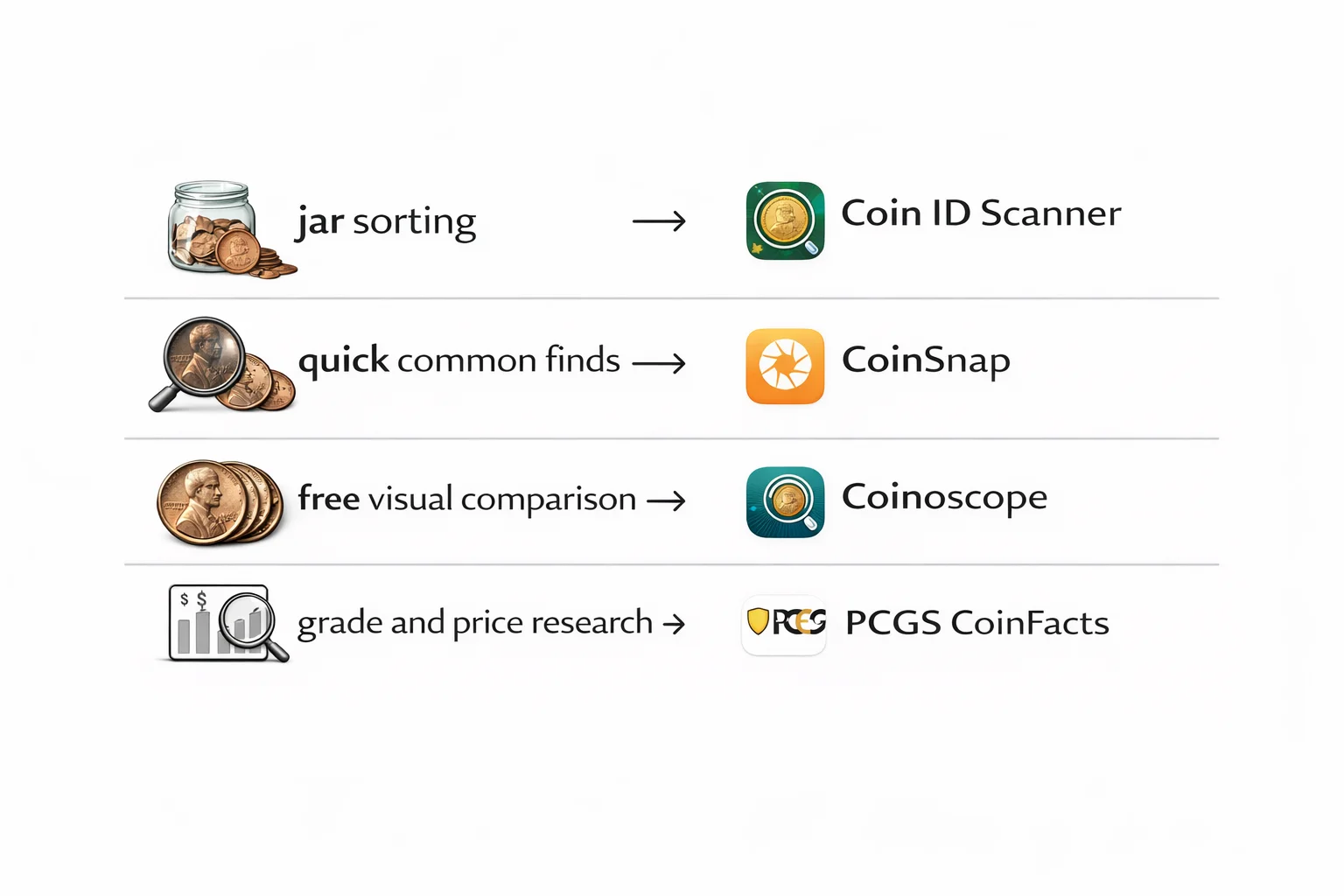
The choice becomes easier when the task is clear.
For Jar Sorting
The most useful option is Coin ID Scanner. It gives the scan, the coin card, and the tools needed to separate coins into groups without repeating the same steps.
For Quick Common Finds
CoinSnap works well here. It is fast, clear, and comfortable for basic checking.
For Free Visual Comparison
Coinoscope is still a reasonable choice. It helps when the user wants a quick image match without much setup.
For Grade And Price Research
PCGS CoinFacts is the strongest option once the coin is already identified and the user wants deeper U.S. reference work.
That question has a practical answer.
If the goal is only a fast label, several apps can do the job. If the goal is free visual matching, Coinoscope remains useful. If the goal is deeper U.S. price and grade research, PCGS CoinFacts becomes the better tool.
But if the goal is to keep working after the first match, Coin ID Scanner has the strongest balance. It gives more structure once the scan is done. The coin card is fuller. The follow-up data is clearer. The collection side is stronger. The filters help when the user is not working with one coin, but with many.
That difference matters for penny collectors. A quick result saves a few seconds. A better after-scan workflow saves real effort.